
Plan and focus together
Choose work from the same calendar and panel context where you reviewed the day.
PLAN → CHOOSE → FOCUS
Air Calendar places schedules, work panels, focus mode, and Pomodoro tracking in one Windows workspace. Choose the next item while its calendar context is still visible, then start a timed session.
Paid app · Focus sessions and Pomodoro tracking · Windows 10/11
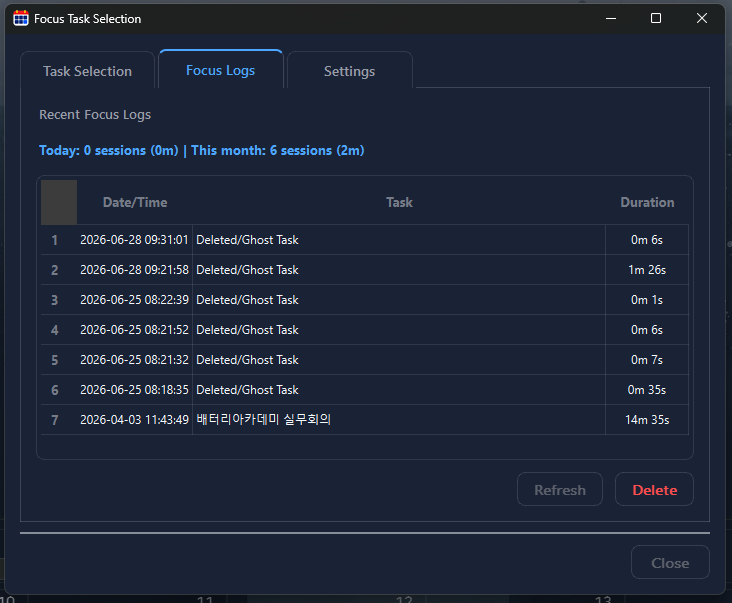
Choose work from the same calendar and panel context where you reviewed the day.
Use a focus session or Pomodoro rhythm to make the next step concrete.
See completed focus time instead of relying only on an unchecked task list.
Review time commitments first, then check routines and work items that can fit around them.
Select a specific schedule item, routine, or directive. A clear next action makes a focus timer useful.
Use a timebox that fits the work, protect the session from unrelated items, and stop when the block ends.
Check the focus history, update the work item, and decide whether to continue, break, or switch tasks.