Keep the date visible
See the next milestone without opening another calendar window.
D-DAY + COUNTDOWN FOR WINDOWS
Place D-Day and countdown widgets directly on your Windows desktop so an exam, release, trip, renewal, or personal milestone stays visible while you work.
Paid app · Multiple widget instances · Custom placement and colors
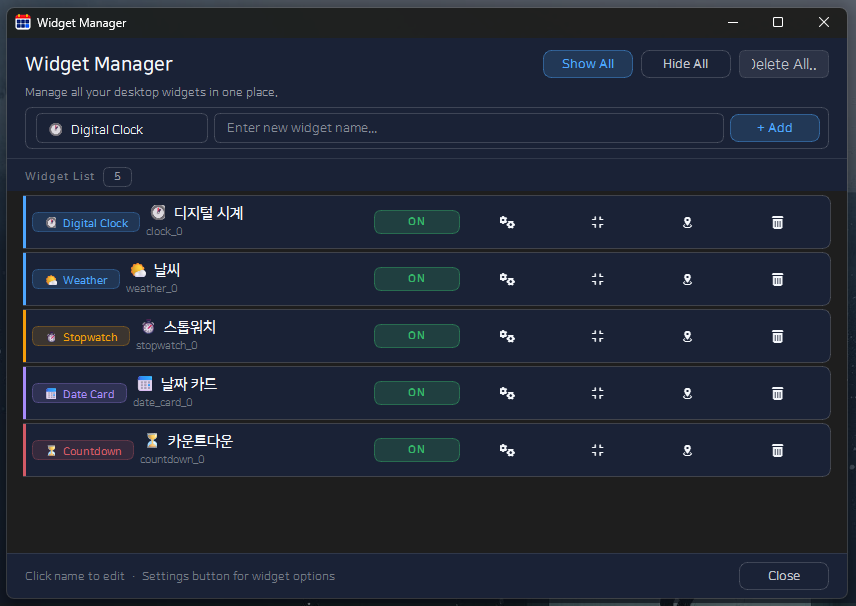
See the next milestone without opening another calendar window.
Create separate widgets for work deadlines, trips, study goals, or anniversaries.
Place, size, and color widgets to match your wallpaper and workspace.
Use D-Day for a calendar milestone. Use countdown when the remaining time itself is the most useful signal.
Labels such as “Portfolio due” or “Trip starts” are easier to act on than a date with no context.
Keep the widget visible but outside your main working area. Add another instance only when a second milestone genuinely matters.